 Sellka
The record book for your shop, on your phone
Write down each sale as it happens. Sellka shows what your shop sold today, what you kept, who still owes you and what is running low. It works with no internet, and it does not ask you to open an account.
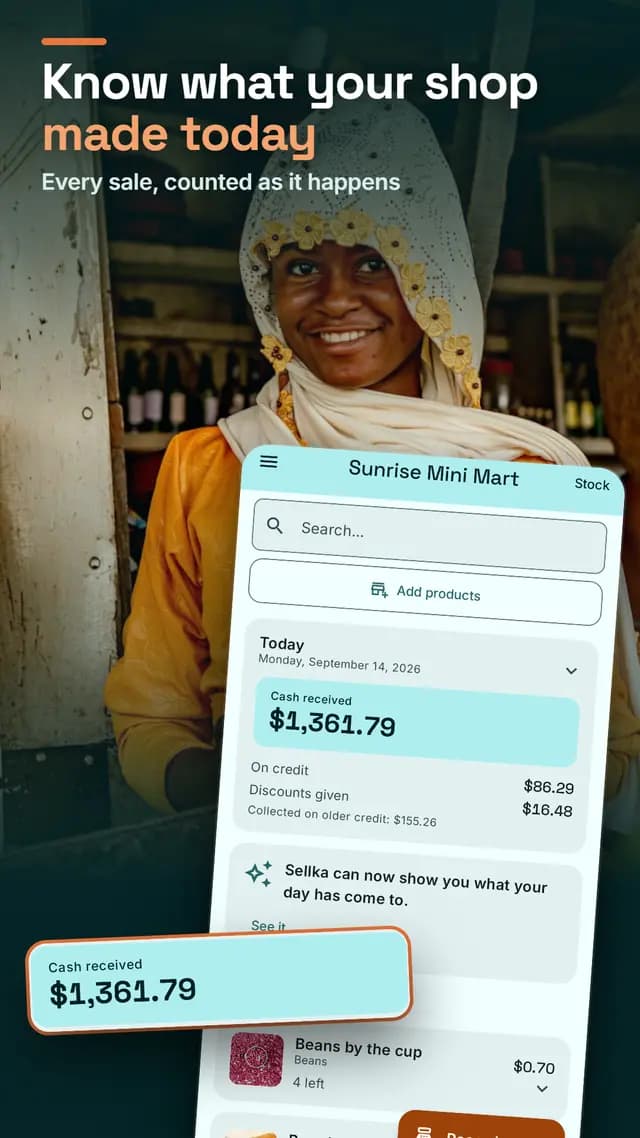
Can you say what your shop made yesterday?
Most shop owners cannot, not in one sentence. The sales are in a notebook, or in their head, and the credit is on scraps of paper. Adding it up takes an evening, so it does not get added up.
Sellka does the adding up. You record each sale. The rest is on the home screen whenever you look.
Watch the whole day, start to finish
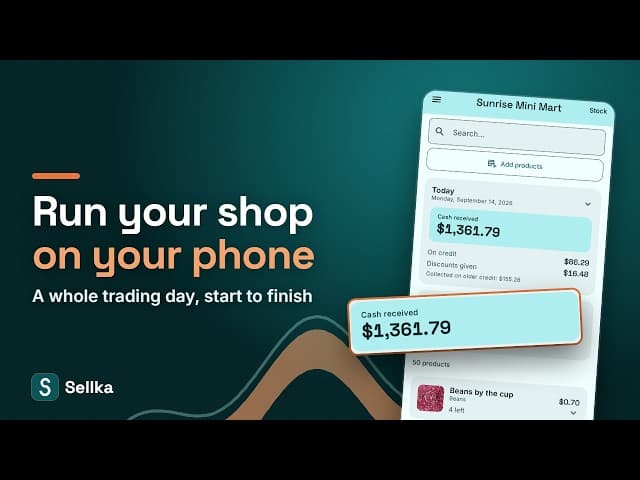
What you do every day
Record a sale in seconds. Tap the products, or scan their barcodes with the phone. Take cash, give credit, or take part of each. Sellka works out the change.
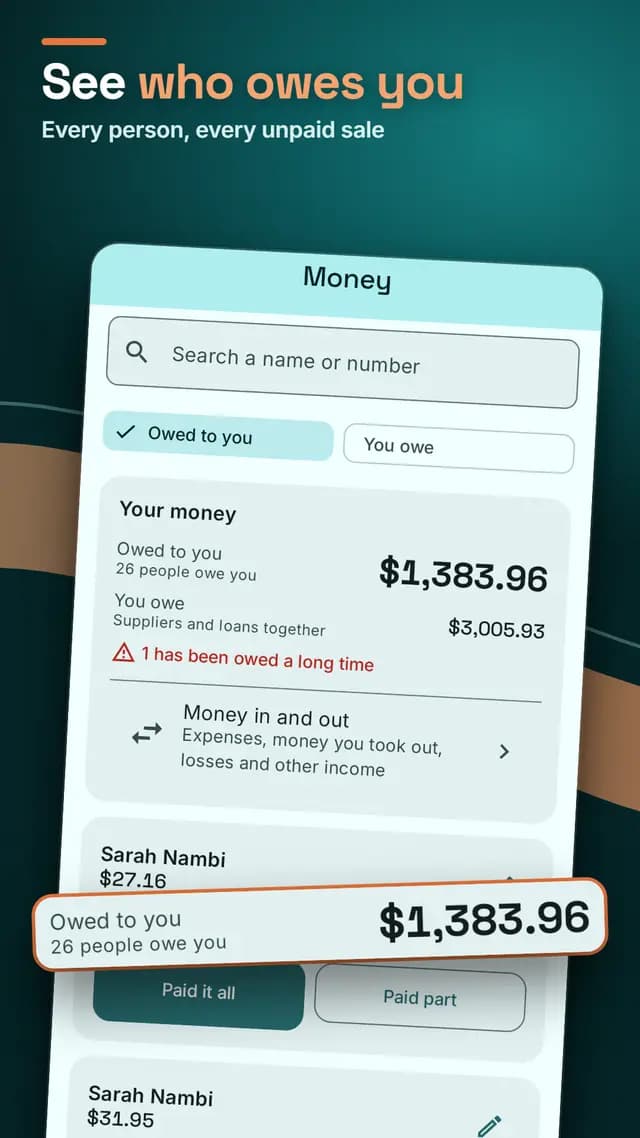
Know who owes you. Every customer who took goods on credit, with how much and for how long. What you owe your suppliers is kept too.
Never run out without knowing. Your stock goes down as you sell, and Sellka warns you before a product runs out.
Add your whole shop with the camera. One photo of each product on the shelf, and Sellka reads the name off the packet. Naming a product this way needs a connection.
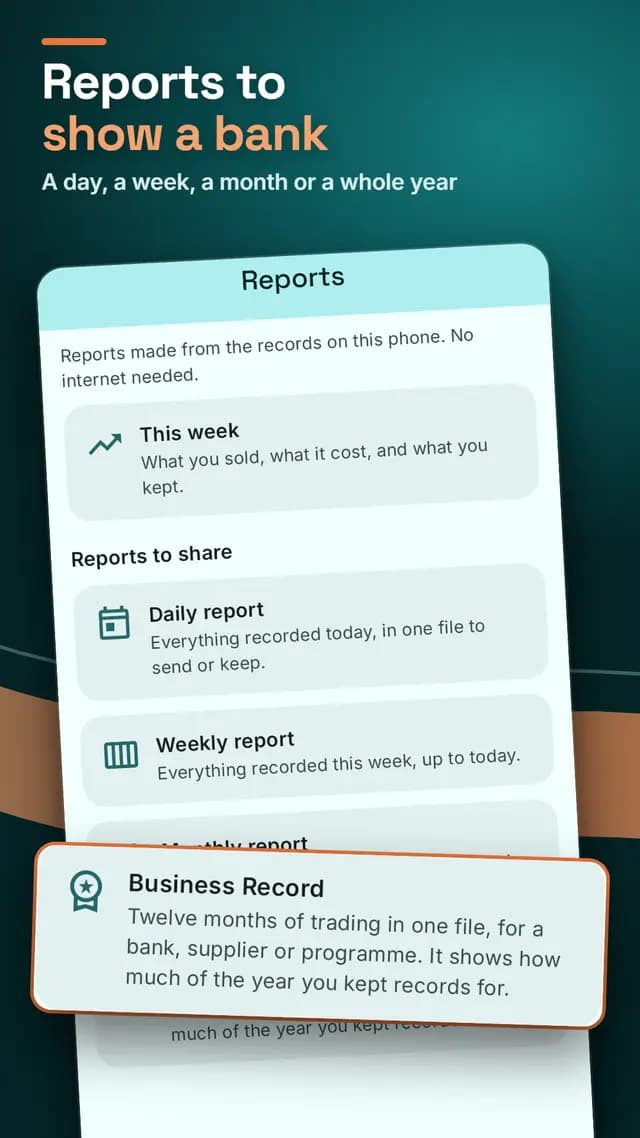
Reports to show a bank. A day, a week, a month, or a whole year of trading in one file, as PDF, Word or Excel.
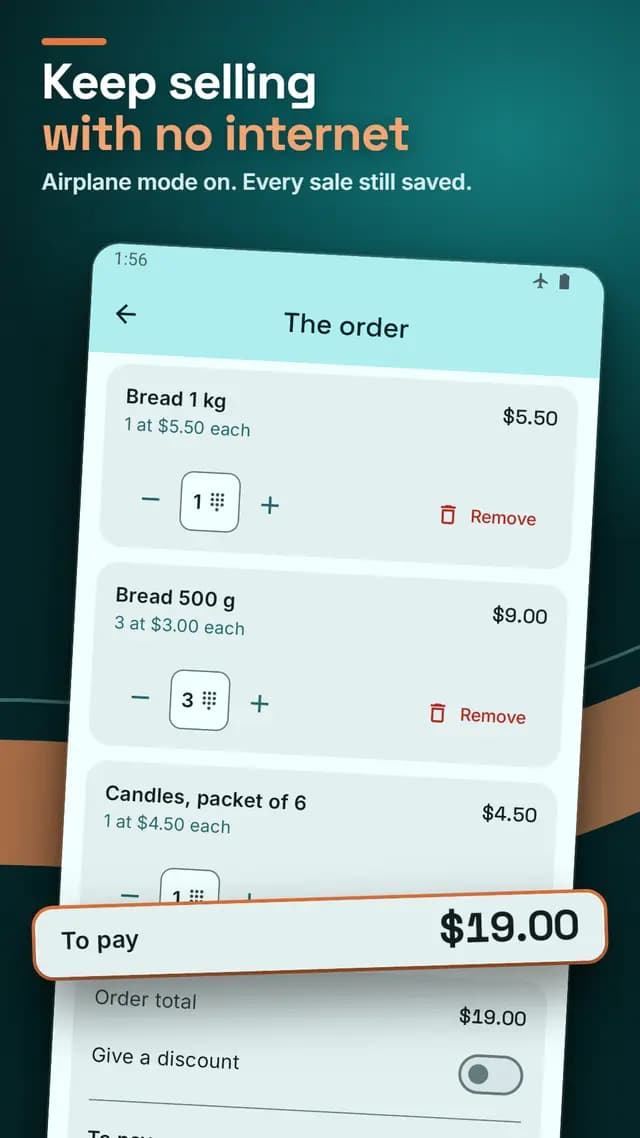
It works with no internet, always
Recording a sale, adding stock, reading your day and making a report never touch the network. Data is expensive and it drops, and your shop does not stop when it does. How Sellka works with no internet.
Your records belong to your phone
There is no account to make and no sign-in. Nobody can lock you out of your own books. If you want a second copy, you save it as a file or keep it in your own Google account, and that is off until you turn it on. Where your records live.
Made for a shop, not for an accountant
Plain words, not accounting words. If you can run your shop with a notebook and a calculator, you can run it with Sellka on the first day. How to keep records in a shop
Sellka is for one small shop and the person who runs it: a duka, a kiosk, a spaza shop, a provision store, a mini market, a general store, a kirana store, a sari-sari store or a tuck shop. One counter, one owner, sometimes one helper.
Tested at the size of a real shop
Before its release, Sellka traded a full year of a busy shop through its own screens, 39,174 records, and every figure was checked against a separate set of books. None was different. How Sellka was tested.
Every other question is answered on the questions page.
Questions

© 2026 The NextTechTitan Team. Google Play and the Google Play logo are trademarks of Google LLC.