 Sellka
Stock taking for a small shop
A stock book tells you what should be on the shelf. Stock taking tells you what is. Sellka keeps the first one for you as you sell, so the second one takes minutes rather than a whole closed day.
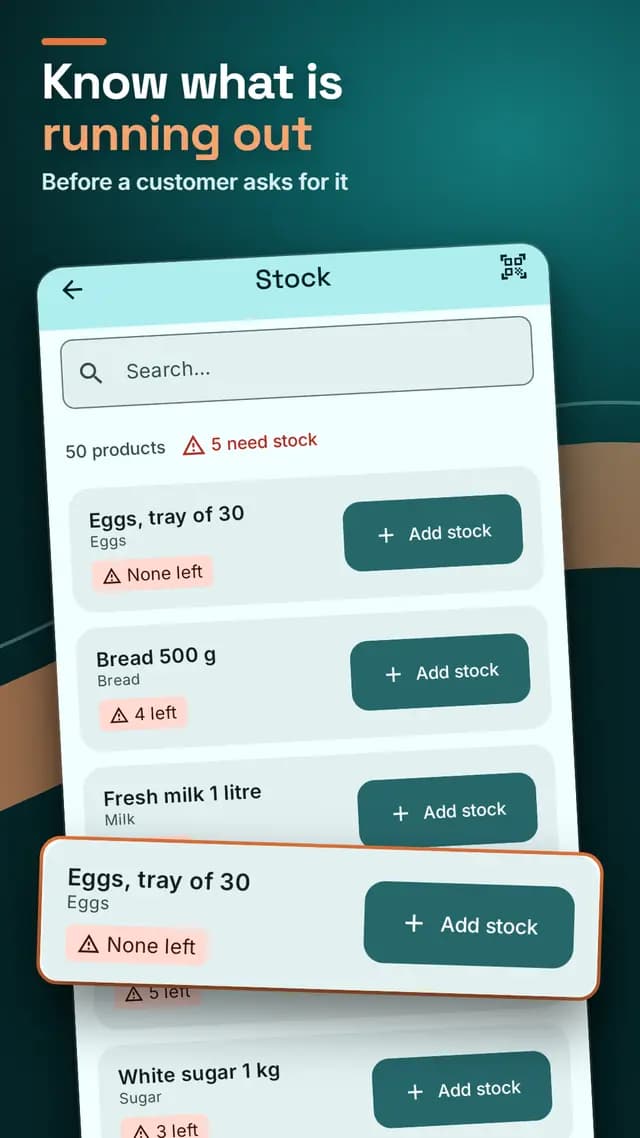
A stock book that counts itself
You add each product once, with how many you have. From then on, every sale takes its quantity off, and every delivery you record adds to it. There is no stock book to add up at the end of the month, and the figure on your phone is the figure that should be on your shelf.
How to do stock taking in a shop
- Choose a quiet time, before opening or after closing, so nothing sells while you count.
- Count one shelf at a time. Open Stock in Sellka, where every product shows how many should be left. Search by name or price, or scan a barcode to find a product quickly.
- Compare your count with the phone. Where they agree, move on. Where they do not, look for the reason before you change anything: a delivery not recorded, a sale not recorded, or goods that were stolen, spoiled or broken.
- Put the record right. Add a delivery that arrived. For goods that went missing, record what they cost you under Money in and out, so your figures stay honest. Then open the product and set the quantity you counted.
- Do it again next month. The gaps you find tell you where stock is leaking.
A warning before you run out
Set a low stock level on any product, the point at which you reorder. When the stock falls to it, Sellka warns you and marks the Stock button, so you reorder before the shelf is empty, not after.
Cartons, bottles and kilos
If you sell a carton and the bottles in it, Sellka knows how many bottles a carton opens into. Open a carton and the bottles appear in your stock. Sell 2.5 kg of rice as easily as one bag.
Your whole shop in one list
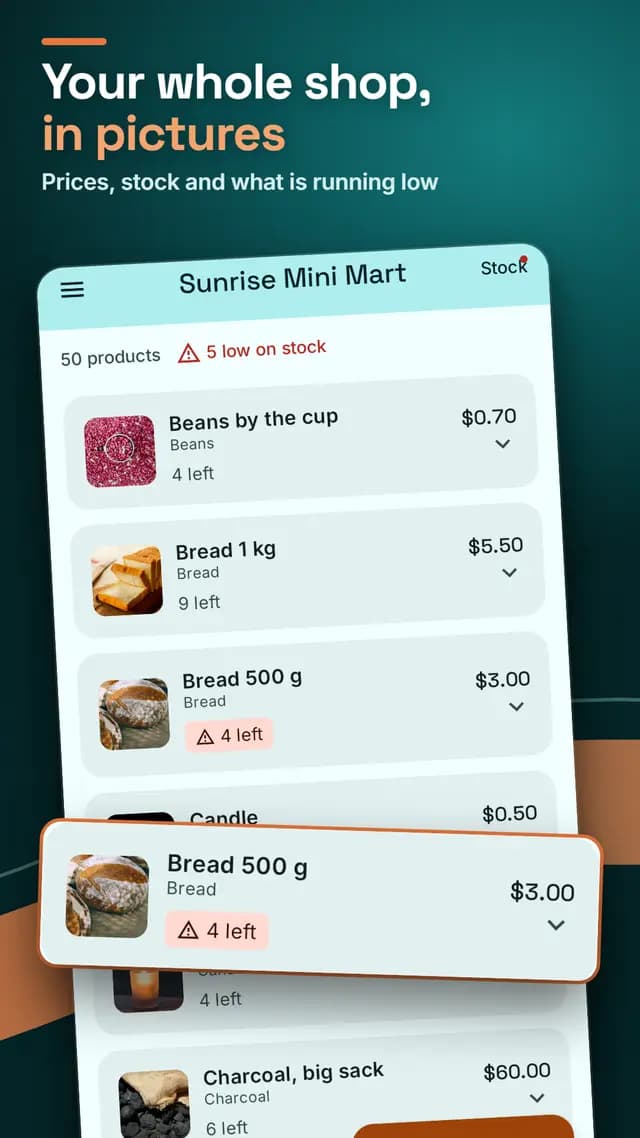
Every product with its price, its cost and how many are left, in groups such as Drinks or Soap if you like. Setting it up takes an evening with the camera.
Questions

© 2026 The NextTechTitan Team. Google Play and the Google Play logo are trademarks of Google LLC.