 Sellka
How to use Sellka
Every guide here says the same thing as the help inside the app, which you reach from the menu under Help. If something is not clear, write to us from the app with "Tell us what to fix", or at sellka@acyera.com.
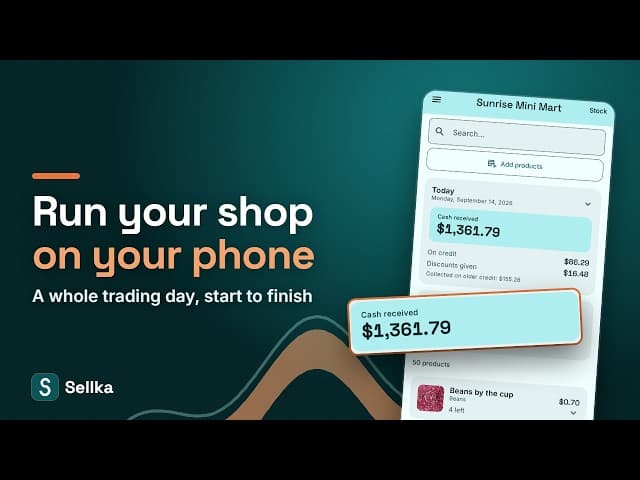
Watch the whole of Sellka on a phone, in five minutes
Start here
Setting up your shop. What Sellka is for, adding what you sell, product groups, and cartons that open into smaller units.
Every day
Selling. Recording a sale, cash and credit, discounts, changing a price, undoing a sale, and customer names.
Stock. Adding stock that arrived, opening cartons, low stock warnings, and goods that were stolen, spoiled or broken.
Money in and out. Who owes you, what you owe suppliers, running costs, money you took for yourself, other money that came in, and loans.
Looking back
What your shop makes, and reports. Sales, costs and what you kept, why costs matter, reports to share, and asking about your shop.
Keeping your records safe
Your records and the lock. Where your records live, keeping a second copy, and the PIN and fingerprint lock.

© 2026 The NextTechTitan Team. Google Play and the Google Play logo are trademarks of Google LLC.