 Sellka
Your whole shop, one photo at a time
Typing two hundred products into an app, one at a time, is where most shop owners give up. With Sellka you point the phone at the shelf instead. One photo of each product, and Sellka reads the name off the packet.
Watch the camera fill in the names, in 18 seconds
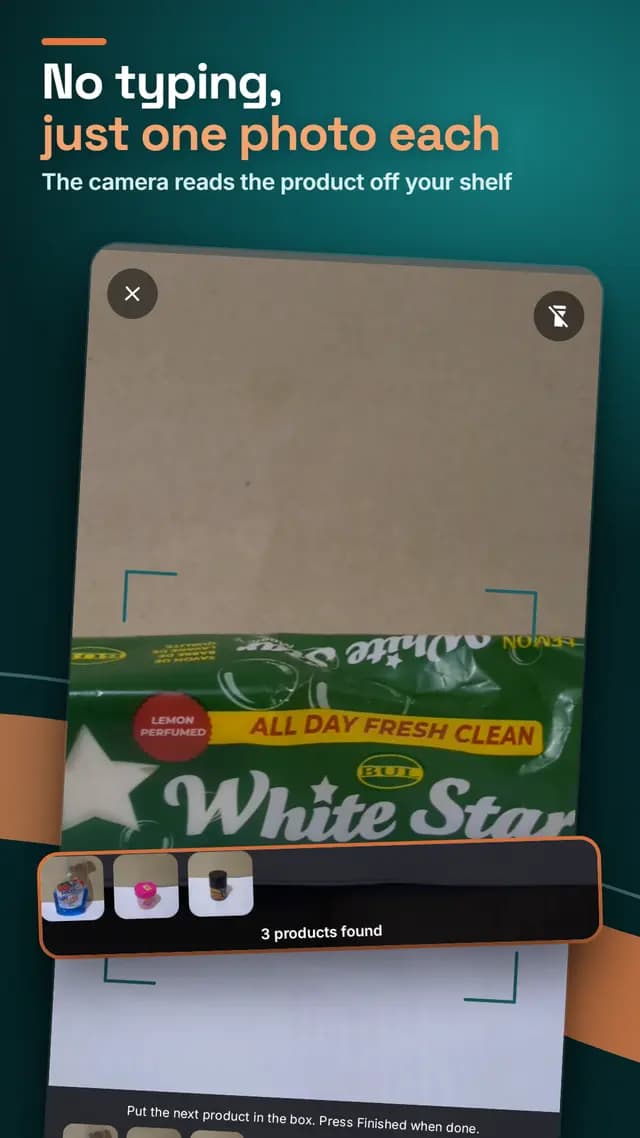
One photo for each product
Tap Add products, fill the box with one product, and press the button. Then the next one, and the next. Each photo joins a list at the bottom of the screen, so you can see what you have done.
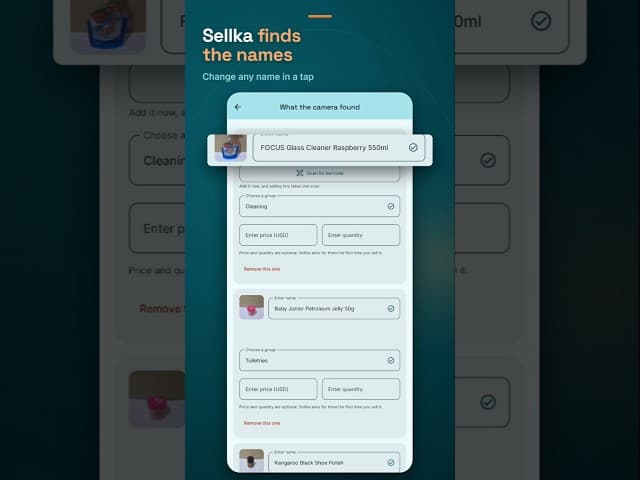
Sellka reads the names
When you press Finished, Sellka shows everything it found, with the names read off the packets. Where it is not sure of a name, it says so instead of guessing. Change any name or group with a tap.
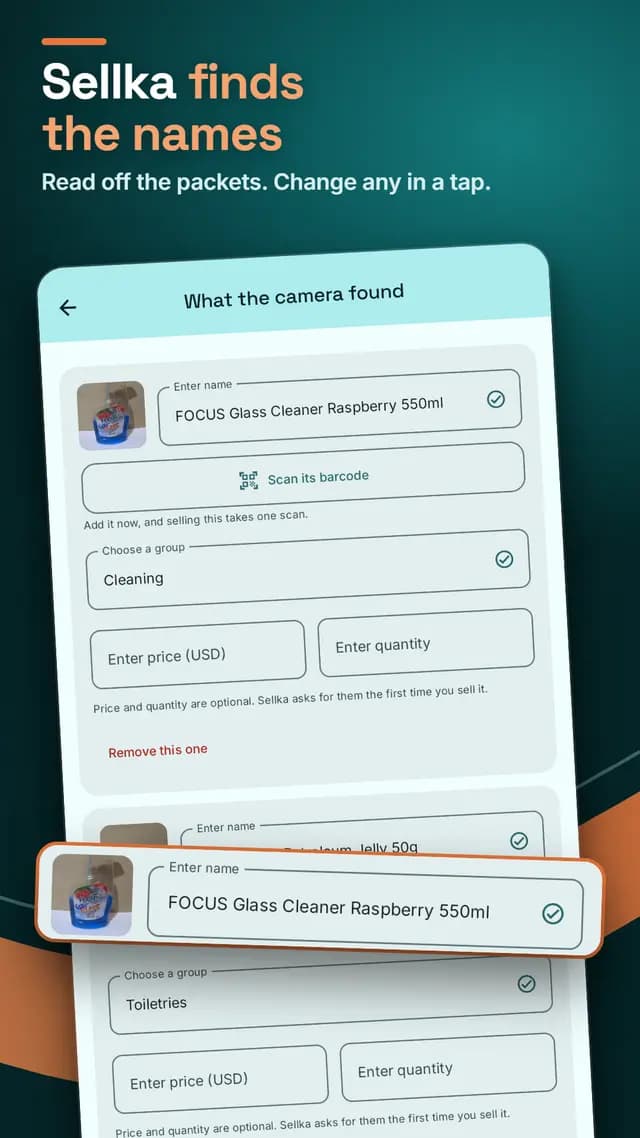
Then the barcode, the price and how many
Scan each product's barcode while the packet is in your hand, and selling it later takes one scan. Enter the price and how many you have. Both are optional: if you skip them, Sellka asks the first time you sell that product. Save them all at once, and your shop is ready to sell.
Naming a product needs a connection
The photo is sent to Google to read the name, so this one step needs the internet. The barcode and anything printed on the packet are read on the phone. Everything else in Sellka, selling included, works with no connection. Short of data? Add products by hand, by name, price and stock, and use the camera later. Setting up, step by step.
Questions

© 2026 The NextTechTitan Team. Google Play and the Google Play logo are trademarks of Google LLC.