 Sellka
A daily sales record that keeps itself
A sales record book asks you to write every sale down, then add it all up at night. Sellka is the same book on your phone, and it does the adding up. Record each sale as it happens, and the day's total is there whenever you look.
Watch a sale scanned and the change worked out, in 18 seconds
How to record daily sales in a shop
In a book, each sale is a line: what went out, how many, the price, and whether it was paid. At the end of the day you add the lines and count the cash to see if they agree. It works, and it is where most shops start. It also takes an evening, and a line missed at a busy moment is money nobody can find.
On your phone with Sellka, the same four things are recorded, and the adding up is done for you:
- Tap Record a sale.
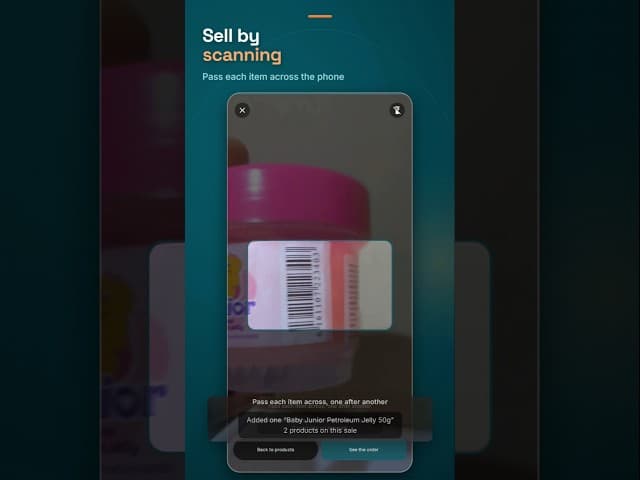
- Choose each product the customer is buying, or scan its barcode with the phone, and set how many.
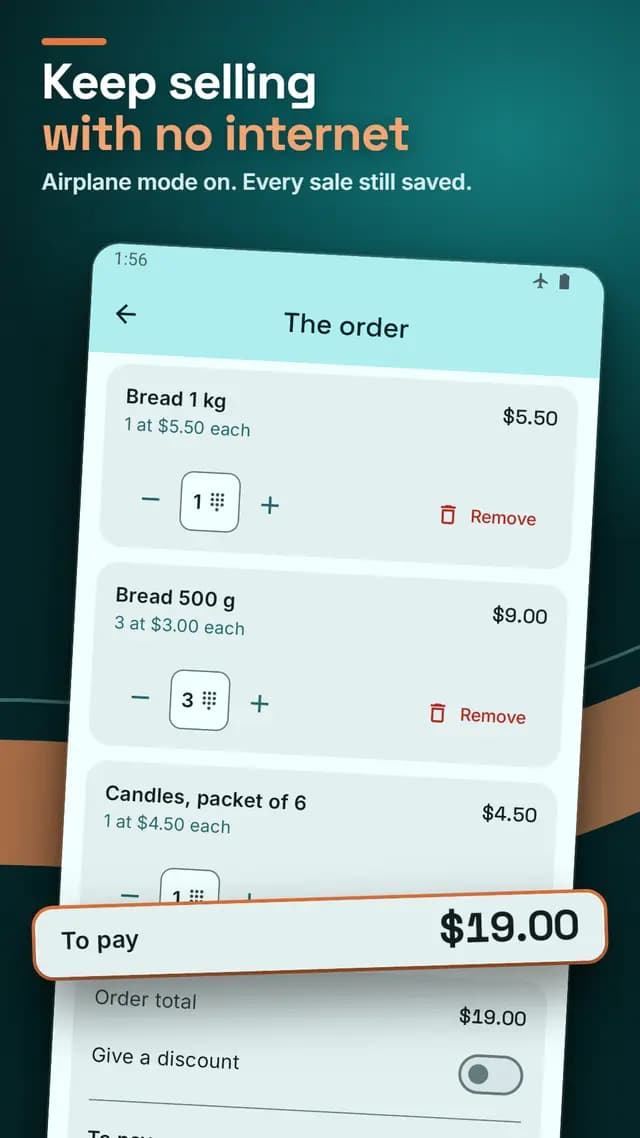
- Tap the button at the bottom showing the amount. You see the order, any discount, what the customer pays and what they still owe.
- Enter the cash they hand you. Sellka works out the change, saves the sale, and takes the goods off your stock.
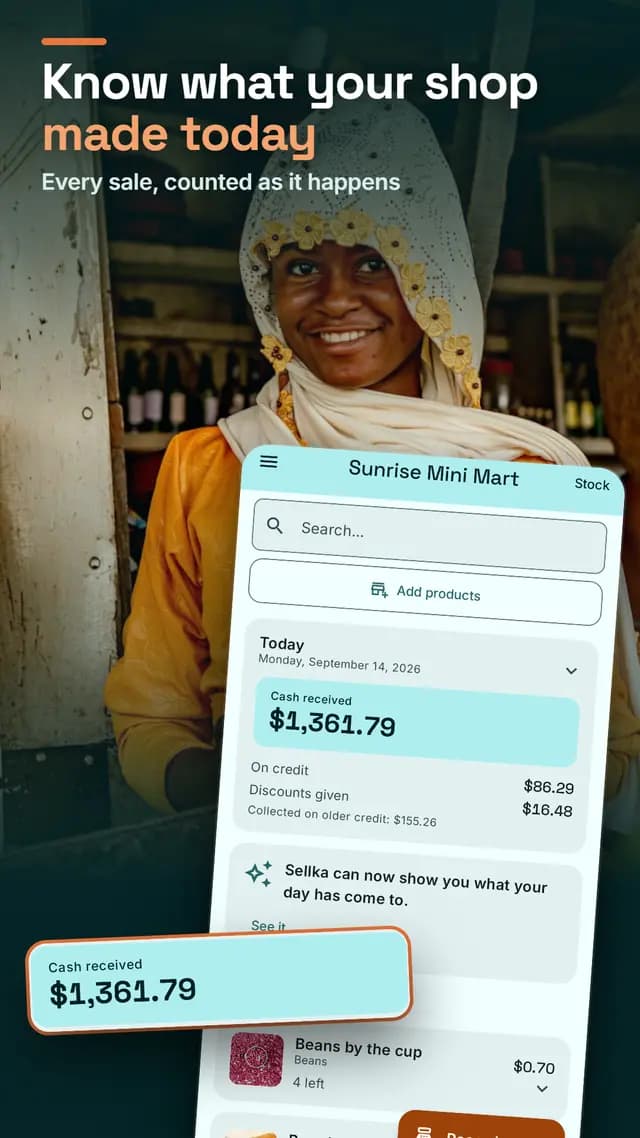
That is the whole of the daily work. What your shop took today, what went out on credit and the discounts you gave are on the home screen from that moment. The selling guide, step by step.
Your phone is the barcode scanner
You do not need to buy a scanner, a cable or a second machine. Hold a product's barcode in front of the phone's camera and it lands in the order with its own price. Scanning works with no internet.
Cash, credit, or part of each
If a customer pays only part, the rest becomes credit they owe, under their name and phone number, so you can find them later. A credit sale counts as a sale that day. When they pay later, it is not counted a second time. How Sellka keeps who owes you.
Discounts, price changes and mistakes
Give a discount on the order, as an amount or a percentage, and Sellka shows what the customer pays. Change a price at the counter and it stays for every sale after. If goods come back or a sale was a mistake, undo it, and the goods and the money go back where they belong.
A record the customer can keep
Open Your sales, find any sale, and share its record as a message on WhatsApp or any app on your phone: what was bought, the total, what was paid and what is still owed.
Questions

© 2026 The NextTechTitan Team. Google Play and the Google Play logo are trademarks of Google LLC.